

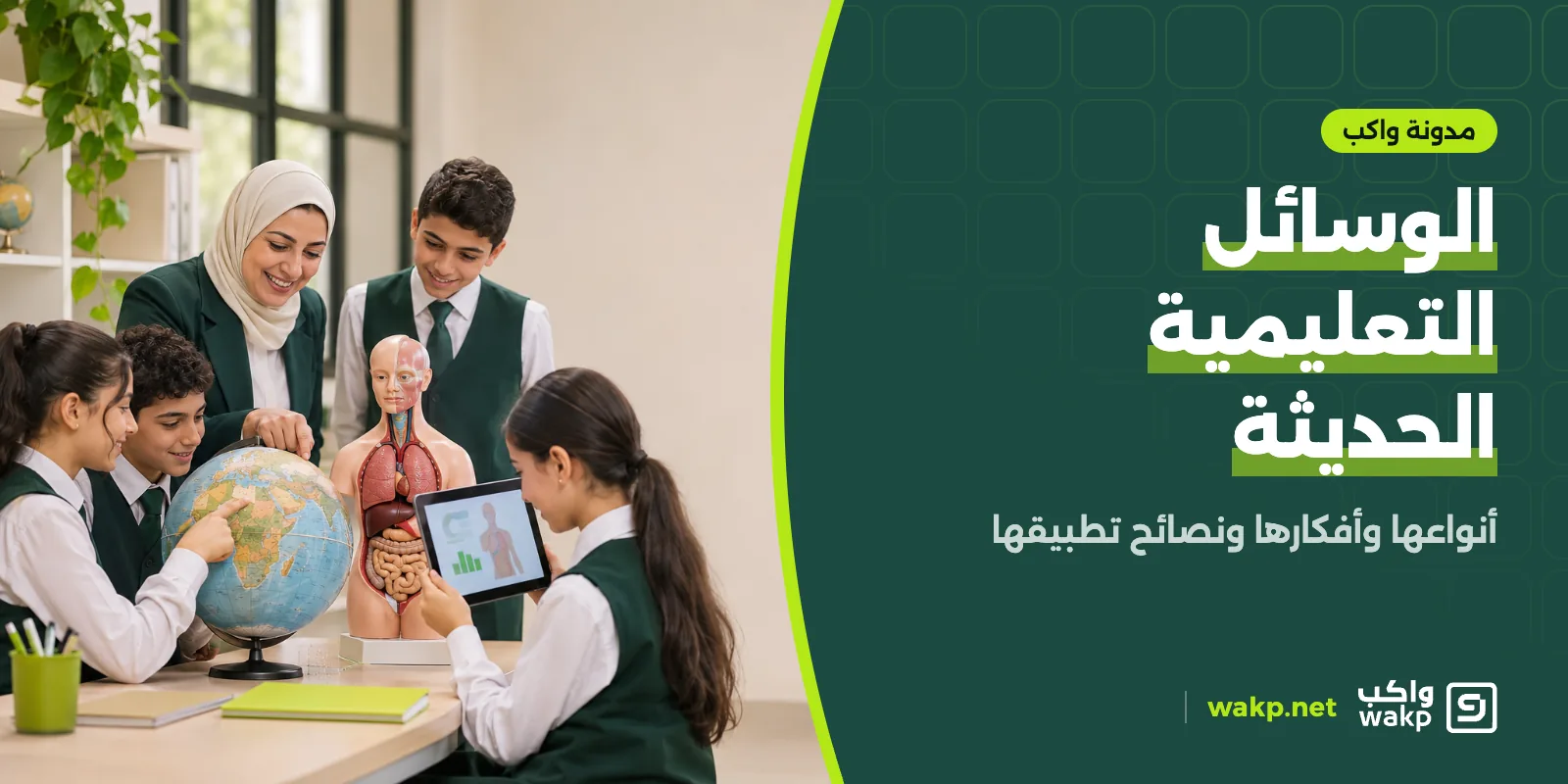
Modern teaching aids are visual, audio, interactive and digital tools teachers use to clarify a lesson and engage students, such as video, simulations, interactive quizzes and learning platforms. They work when they serve the lesson's goal, not when used as decoration. Choose the aid by goal, audience and resources, and trial it before rolling out.
A good teaching aid makes a hard idea easier, but a modern aid alone does not make a good lesson. This guide sets out the types of modern teaching aids and their benefits, offers a table for choosing the right one, and gives practical ideas and tips for using them in class and in e-learning.
What are modern teaching aids?
Modern teaching aids are visual, audio, interactive and digital tools and materials that teachers use to clarify content, engage students and check understanding. They include educational video, interactive presentations, simulations, online quizzes and learning management systems.
The first test for any aid: does it help students reach the lesson's goal? Not: is it new?
Types of modern teaching aids
| Type | Examples | Best used for | Note |
|---|---|---|---|
| Visual | Images, charts, mind maps | Simplifying concepts and summarising | Avoid overloading with detail |
| Audio | Recordings, educational podcasts | Languages and revision on the go | Provide transcripts for those who need them |
| Audio-visual | Educational video, animation | Explaining phenomena and steps | Keep it short and focused |
| Interactive | Simulations, educational games, interactive quizzes | Practice and checking understanding | Tie to clear learning goals |
| Digital platforms | Learning management systems, virtual classrooms | Organising content, assignments and progress | Need training and connectivity |
| Hands-on and models | Models, lab experiments | Science and practical skills | Need time and equipment |
| Virtual and augmented reality | Virtual tours, 3D models | What is hard to reach physically | Costlier; use only when they add real value |
Benefits of modern teaching aids
- Clarifying abstract concepts with image, motion and experiment.
- More participation through interactive activities and games.
- Respecting different learning styles: visual, auditory and hands-on.
- Fast feedback that shows what a student has not understood.
- Flexibility in when and where learning happens through digital content.
- Saving teacher time on routine tasks such as objective marking.
The benefit is conditional, though. UNESCO's Global Education Monitoring Report warns that some technology solutions may be harmful, and stresses teacher preparation, governance and access. For the wider picture, read technology in education.
E-learning and distance learning
E-learning means using digital media for learning inside or outside school, while distance learning separates teacher and student by place. Common tools include:
- Learning management systems (LMS) to organise courses, lessons, assignments, quizzes and progress, explained in our guide to the learning management system.
- Live sessions for real-time interaction.
- Recorded content for review at any time.
- Discussion forums for questions and answers.
- Online quizzes with objective and essay questions.
Schools generally move toward blended learning, combining the traditional classroom with digital content.
Practical ideas for modern teaching aids
- A short video on the hardest concept in the unit, watched before class, so class time goes to practice and discussion.
- A five-question interactive quiz at the start of class to gauge prior knowledge.
- A group mind map built by teams at the end of the lesson.
- A simulation of a science experiment that is hard to run in the lab.
- A short digital project: a presentation, poster or video in which the student explains an idea.
- A revision game with questions and teams before the test.
- A student learning portfolio collecting their work and progress.
Tips for applying modern aids
- Try the aid yourself before using it in front of students, and have a backup plan if the technology fails.
- Do not overdo it: two or three aids per lesson are enough; more is a distraction.
- Account for differences: students' age, ability and access to devices and connectivity.
- Tie the aid to assessment so it is not an activity detached from the goal.
- Train teachers on the tools used. For the skills involved, see the qualities of a successful teacher, and for methods read best modern teaching strategies.
- Protect privacy: do not use tools that collect student data without the school's approval.
- Provide alternatives for students without devices.
- Measure impact: did students' understanding actually improve?
School digital tools that support teaching aids
Modern aids need a system behind them, not scattered tools. A digital school usually brings together:
- A school management system for student data, attendance, results and fees.
- An e-learning platform to deliver content and assignments.
- Portals for teachers, students and parents.
- Organised communication and notifications.
Integrated systems beat separate tools because they prevent repeated data entry, but they need planning. For wider improvement ideas see school development ideas.
Choosing the aid by learning goal
| Goal | Suggested aid | Why |
|---|---|---|
| Introduce a new concept | Short video or illustrated presentation | Condenses the explanation and can be replayed |
| Gauge prior knowledge | Short interactive quiz | Instant result that fixes the starting point |
| Practise a skill | Simulation or hands-on activity | Offers safe repeated attempts |
| Develop critical thinking | Group discussion or forum | Encourages expression and response |
| Revise before a test | Question game or flash cards | Activates memory in an enjoyable way |
| Summarise a unit | Mind map | Links ideas together |
| Track progress | Learning platform with reports | Clear data for each student |
Teaching aids by stage
- Early years: sensory activities, models, picture stories and short games, with direct supervision.
- Primary: short video, educational games, flash cards and simple homework submission.
- Middle school: interactive quizzes, short projects, simulations and discussions.
- Secondary: learning platforms, recorded content for revision, research projects and detailed feedback.
These are general guidelines; teachers can adapt them to their students, curriculum and school resources.
Common mistakes with teaching aids
- The aid replaces the teacher: showing a long video with no questions or discussion.
- Visual overload: slides crammed with text and images.
- Skipping a dry run: discovering the aid fails in front of students.
- Not linking the aid to homework, so it stays an isolated activity.
- Neglecting access: content unavailable to those without a device at home.
How wakp helps
wakp provides an online learning platform that supports several modern aids with real tools:
- Content building from units and lessons as video, file or text, with last-watched-position tracking for video.
- Quizzes and assignments with objective and essay questions.
- Live sessions and discussions between students and teachers.
- Badges and certificates to motivate students.
- Progress tracking and alerts for inactive students.
- Teacher, student and parent portals and an installable web app (PWA) with notifications.
- An integrated school management system (students, attendance, exams control, finance, transport) that works with the platform or without it.
The platform's details are on the e-learning platform for schools page, and it runs inside wakp's school management system.
Frequently asked questions
What are modern teaching aids?
Visual, audio, interactive and digital tools and materials that support explanation, practice and assessment, such as educational video, interactive presentations, simulations, online quizzes and learning management systems.
What are the types of teaching aids?
Visual (images and charts), audio (recordings), audio-visual (video), interactive (simulations, games, quizzes), digital platforms (learning management systems), and hands-on aids such as models and experiments.
How do I choose the right teaching aid?
Start with the lesson's goal, then consider students' age and available resources, choose the simplest aid that achieves the goal, and trial it with a small group before rolling out.
Do digital aids replace traditional ones?
No. UNESCO notes that simple tools such as books and pens remain present alongside AI. Technology complements traditional aids rather than cancelling them.
What mistakes should I avoid?
Using aids as decoration without a goal, using so many that students are distracted, lacking training, and neglecting students who cannot access devices.
How are digital aids managed in a school?
Through a single learning platform that brings together content, assignments, quizzes and progress, rather than scattered tools that are hard to follow.
Sources
Update log
- — Full rewrite and content refresh
- — Improved internal links


